Picture this – you’re looking for your cat so you can bring them home for the night. You’ve used Pawfit’s Find mode which has gotten you to their live location on the map, but you still can’t see them. Perhaps they’re hiding under a car? Or looking at you from under a bush?
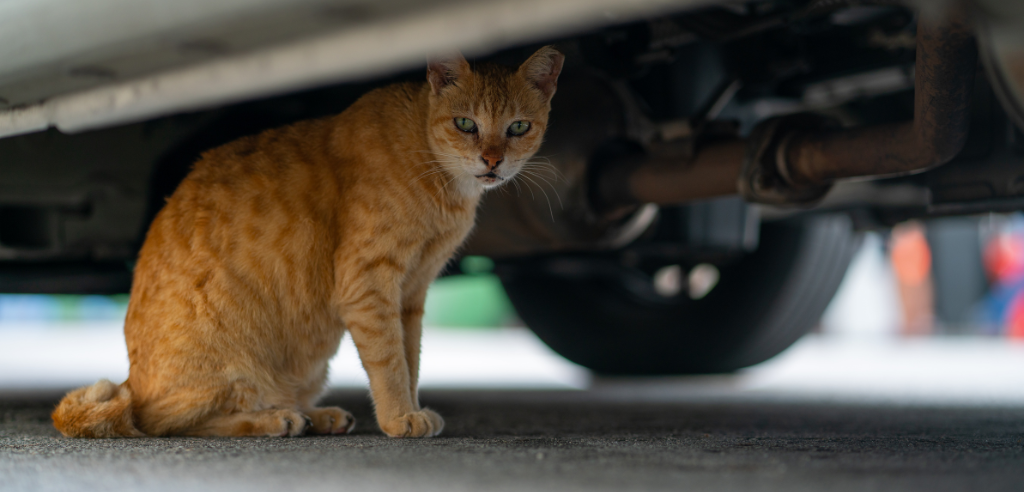
Previously, you’d have had to spend a few extra minutes looking around for them, but with Find Nearby, Pawfit’s latest app feature, you’ll be able to pinpoint their exact location with ease.
How is Find Nearby different to Find Mode?
Find Mode uses GPS to update and plot the tracker’s location every 5 seconds on the map and is perfect for locating your pet fast, especially when they’re on the move, and is accurate to within 10m. However, there are certain situations where GPS has it’s limitations, for example when the tracker is indoors or under tree cover, and that’s where Find Nearby comes in.
Find Nearby uses Bluetooth to connect the tracker and Pawfit app. Once you’re within Bluetooth range, you’ll be able to activate Find Nearby and the radar feature will help you get closer to your pet’s location.
How it works
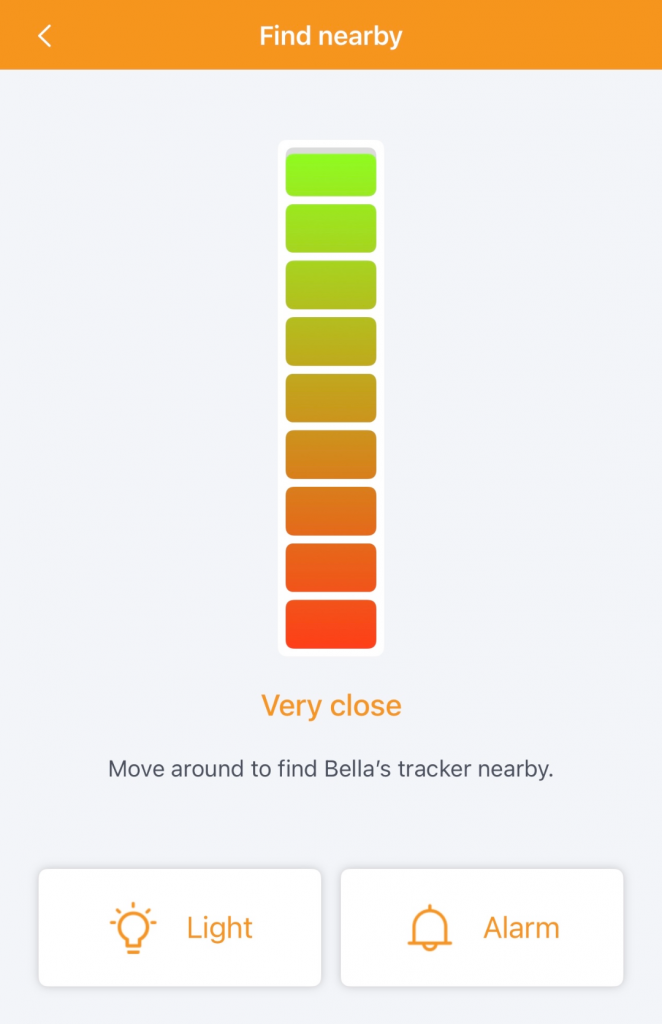
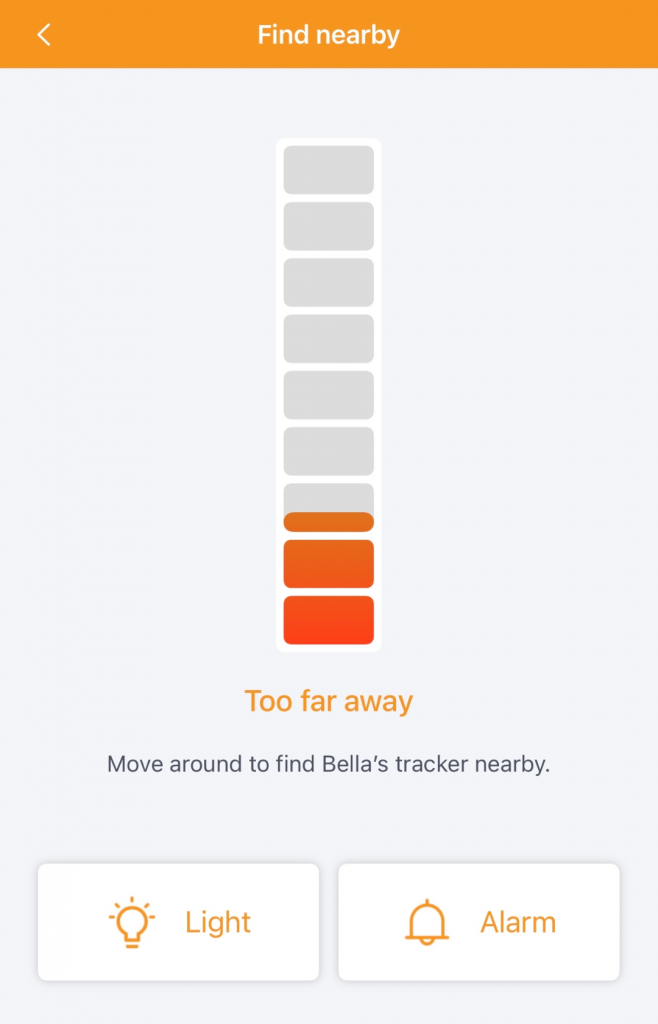
To use this feature, you will need to have Bluetooth enabled on your phone. Once you’re in Bluetooth range of your pet’s tracker, the Find Nearby icon with light up on the app. Once pressed, you’ll see the radar bar which travels vertically from red to green, indicating how close you are to your pet’s tracker.
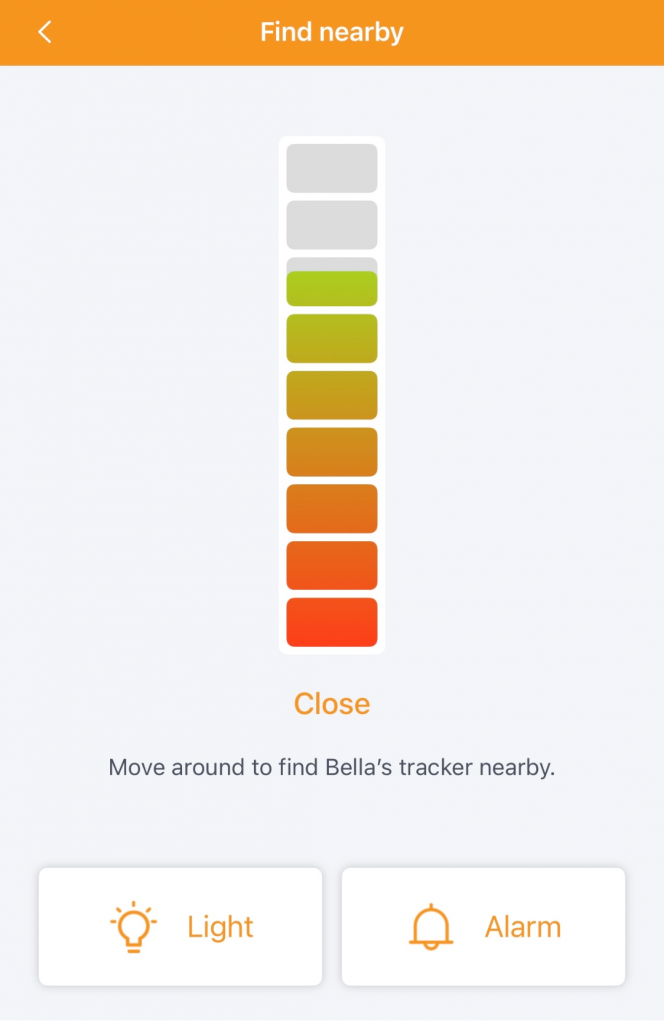
When you’re far away, the bar will be red and as you move around and get closer, the bar will fill, and the colour will change to green. When you’re very close, you’ll be able to activate the tracker’s alarm and light feature which will provide further aid when you’re in low light scenarios.
To exit Find Nearby and return to the map screen, simply tap the X in the top corner.